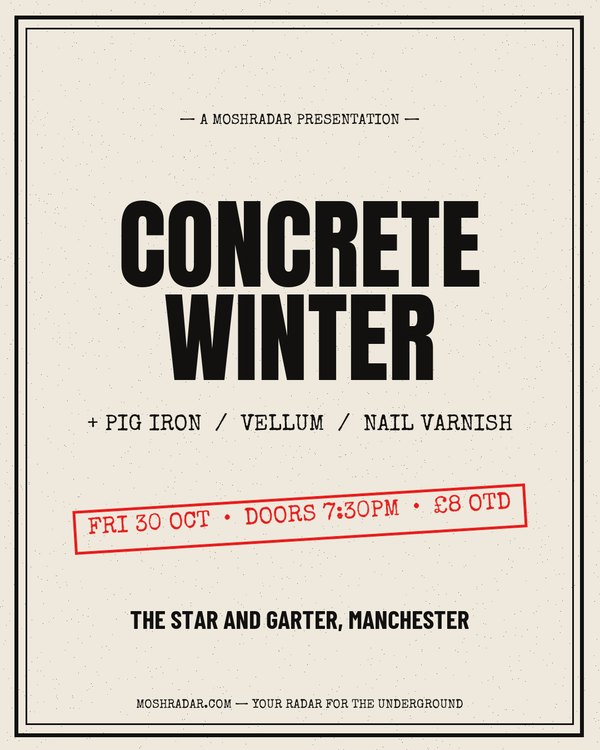
Portrait
Photocopied zine
Punk, hardcore, DIY shows
The DIY flyer look — halftoned, slightly wrecked, and legible stapled to a lamppost. Works on type alone.
Use this template23 starting points for a show poster — photocopied zine, neon, photo-led and print layouts, already sized for Instagram, stories, Facebook events and A4. Pick one, put your lineup in, download it. Free, no signup, and nothing is locked once it opens.
Punk, hardcore, DIY shows
The DIY flyer look — halftoned, slightly wrecked, and legible stapled to a lamppost. Works on type alone.
Use this template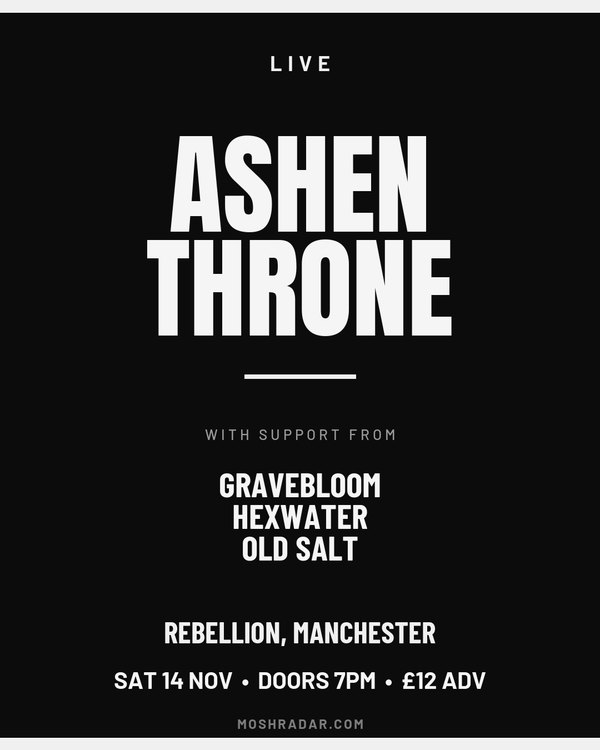
Metal, doom, stoner
Big headline, stacked support, nothing in the way. The default when the lineup is the selling point.
Use this template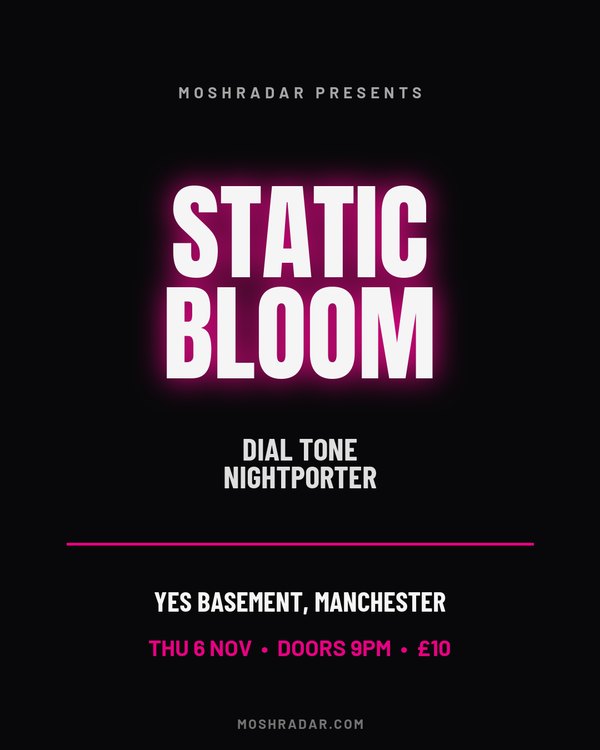
Electronic, synth, club nights
Glowing type on black. Reads at thumbnail size in a feed, which is where most people will actually see it.
Use this template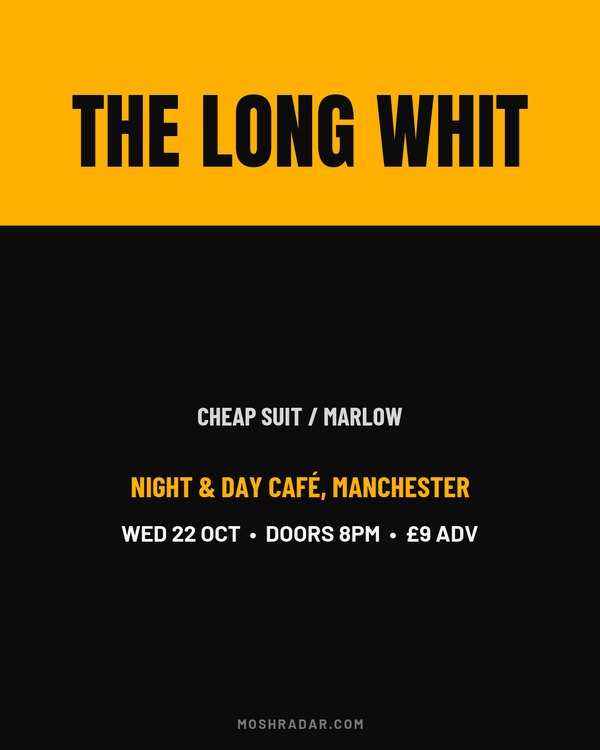
Any show with a good photo
Photo up top, details in a solid block underneath. The one to pick when you have a press shot worth showing.
Use this template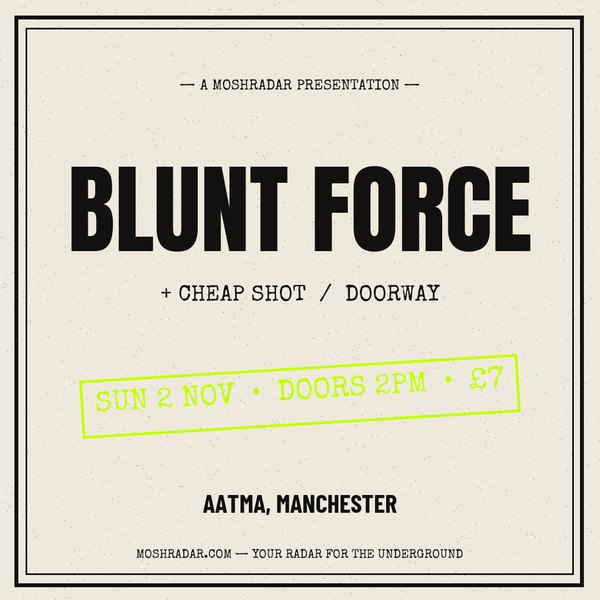
All-ages and matinee shows
Square crop, acid accent, short bill. Stays tidy in a grid and crops cleanly wherever it gets reposted.
Use this template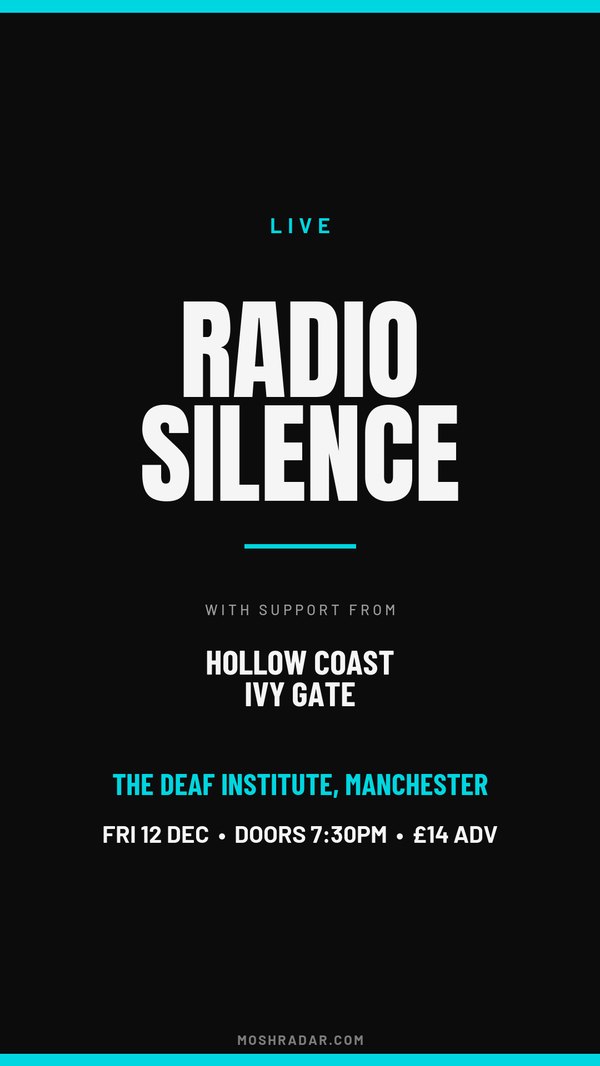
Announcing a show on stories
Full-screen vertical for an Instagram or Facebook story — the format most announcements actually go out in.
Use this template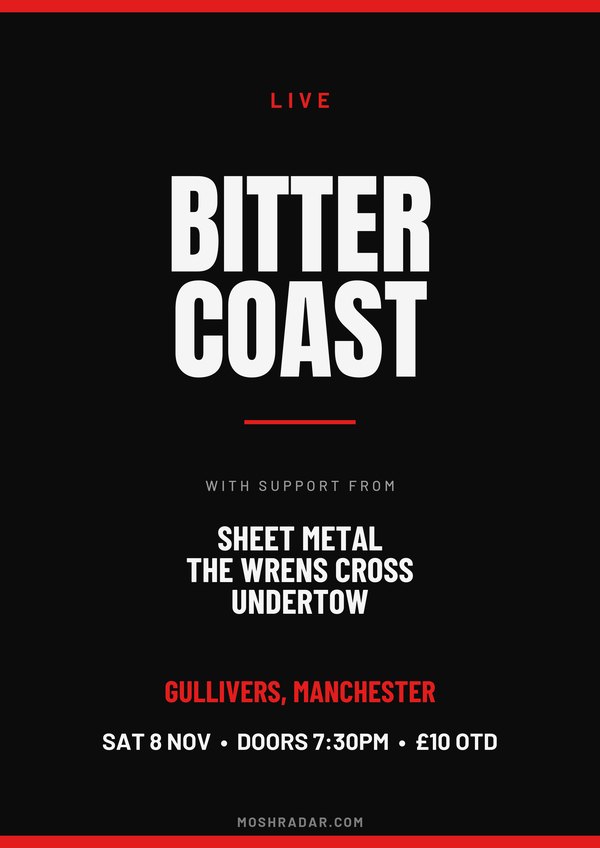
Printing and flyposting
300dpi A4 for the venue window and the record shop counter. Print size from the start, not an Instagram file scaled up.
Use this template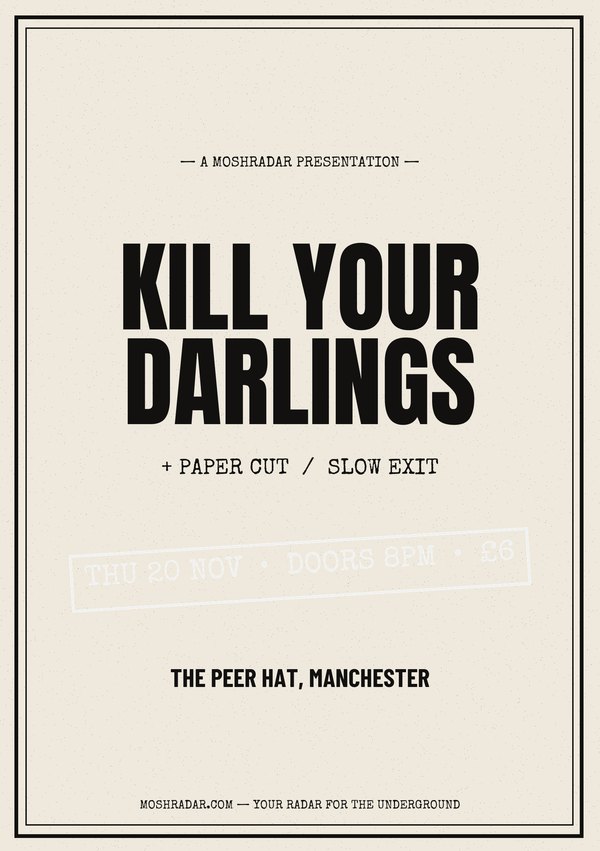
Handouts and merch tables
Half the size, same 300dpi. Cheap to run off a few hundred and leave in a stack by the door.
Use this template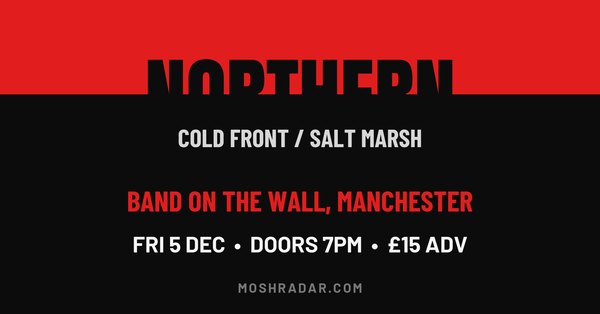
Facebook event pages
The wide crop a Facebook event header wants. A portrait poster dropped in here gets its top and bottom cut off.
Use this template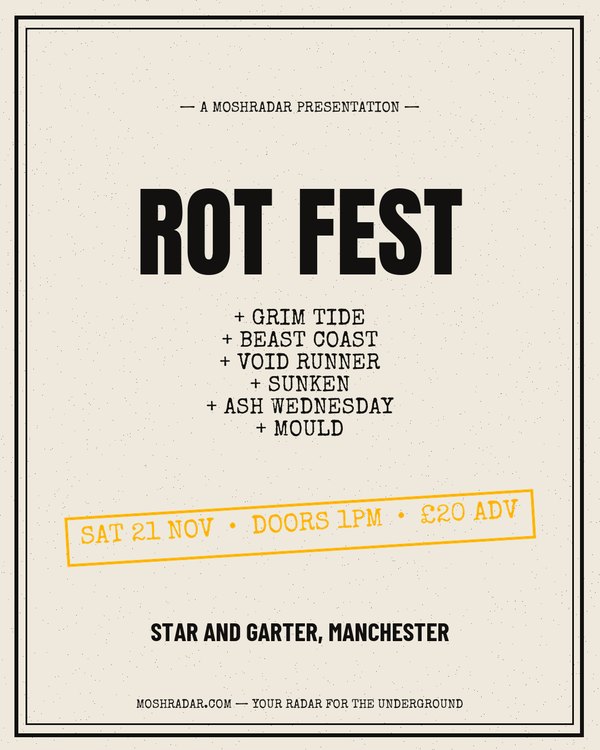
Festivals and all-day shows
Built for a long bill — six acts still fit without the headline shrinking to nothing.
Use this template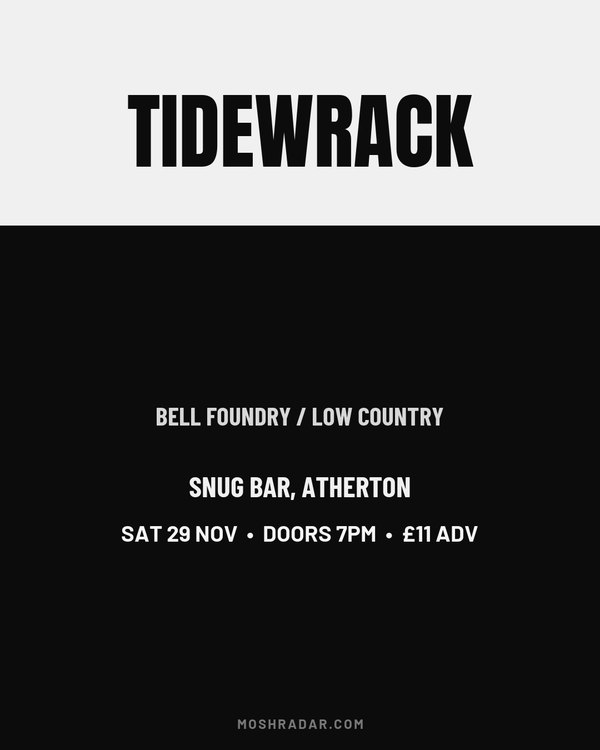
Doom, sludge, drone
Photo block and heavy type, no accent colour fighting it. Slow, loud and mostly monochrome.
Use this template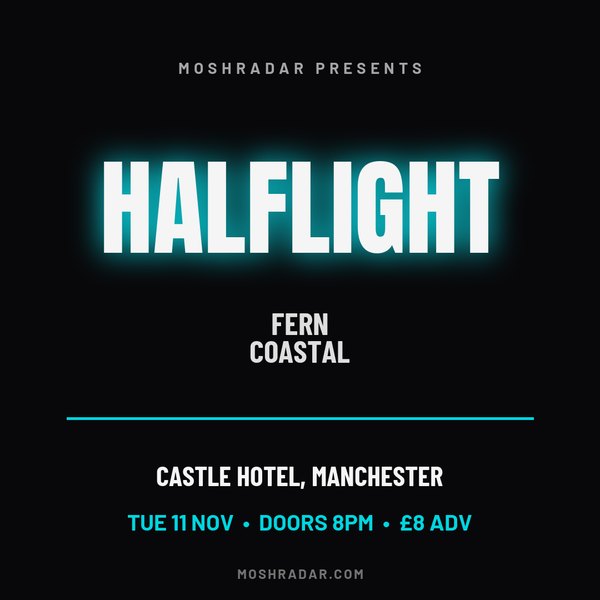
Indie, shoegaze, dream pop
Softer glow, square crop. Less shouty than the rest of these without going quiet.
Use this template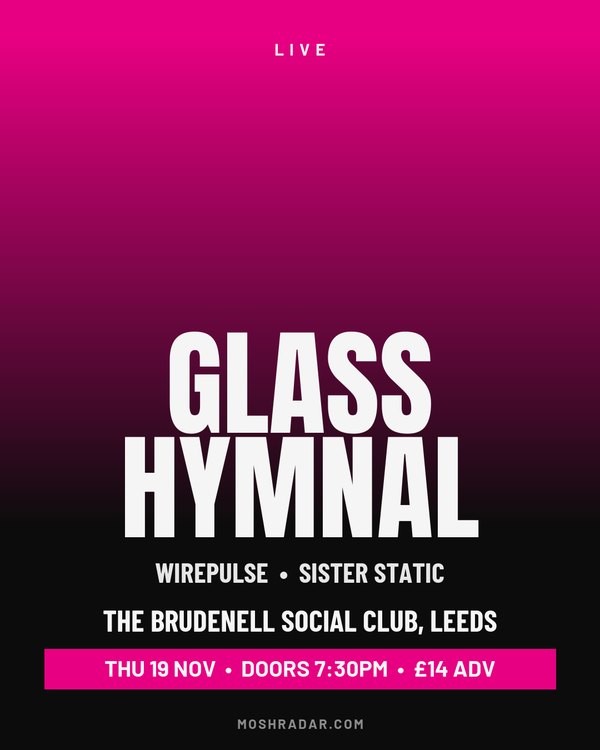
Post-punk, alt rock, heavy psych
Your band photo printed in two colours, the bill along the bottom. Without a photo it fades from your accent into black.
Use this template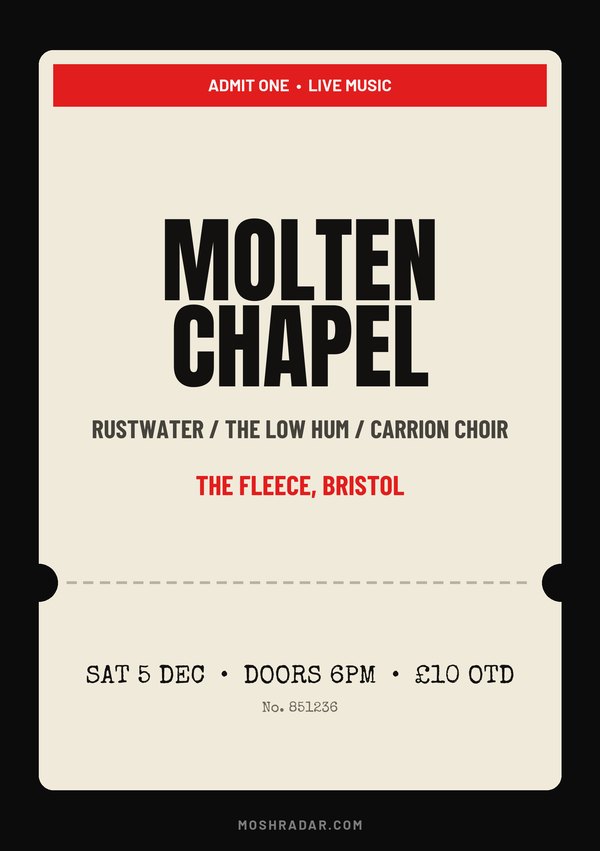
Flyers, all-dayers, record shop shows
The whole poster as a gig ticket, stub and all. Made for A5 flyers on the merch table — tick the QR code and the stub scans.
Use this template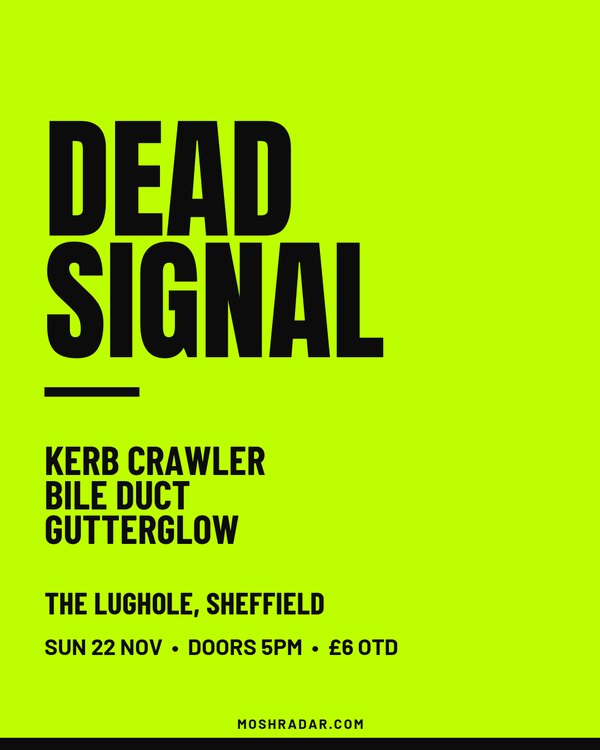
Hardcore, crust, grind
Flat colour and the biggest type in the set, left-aligned like a protest bill. Loud enough to stop a thumb mid-scroll.
Use this template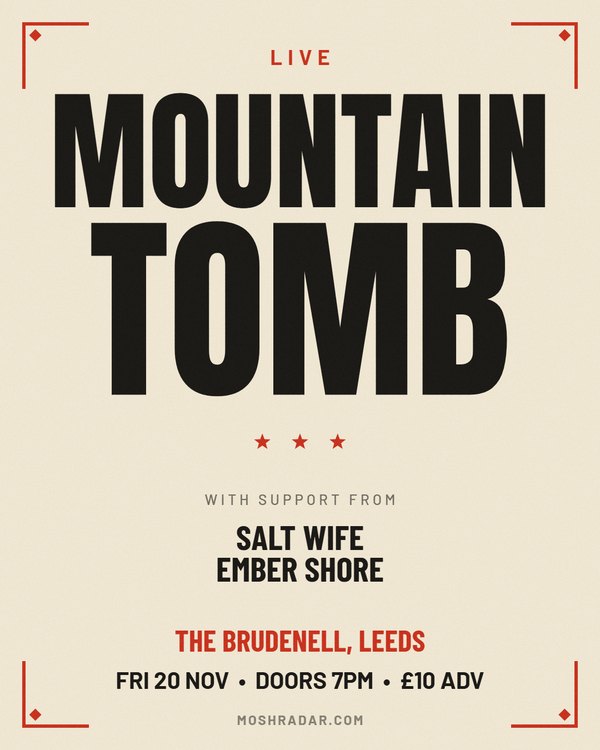
Doom, stoner, heavy rock
Wood type in black and red on cream, every line of the headline set to the full width — the old show-card look, printer's corners and all.
Use this template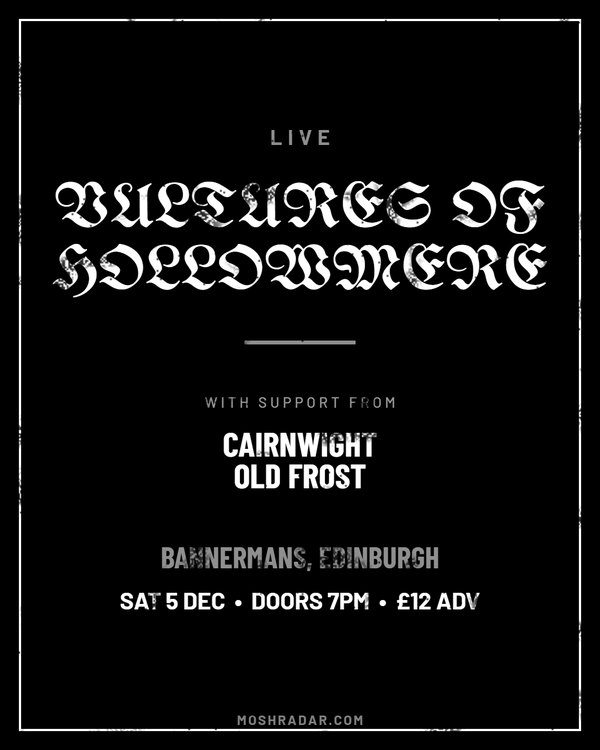
Black metal, war metal
Black-metal blackletter, white on black, a single hairline border and the ink worn thin. Unreadable enough to be right, legible enough to sell.
Use this template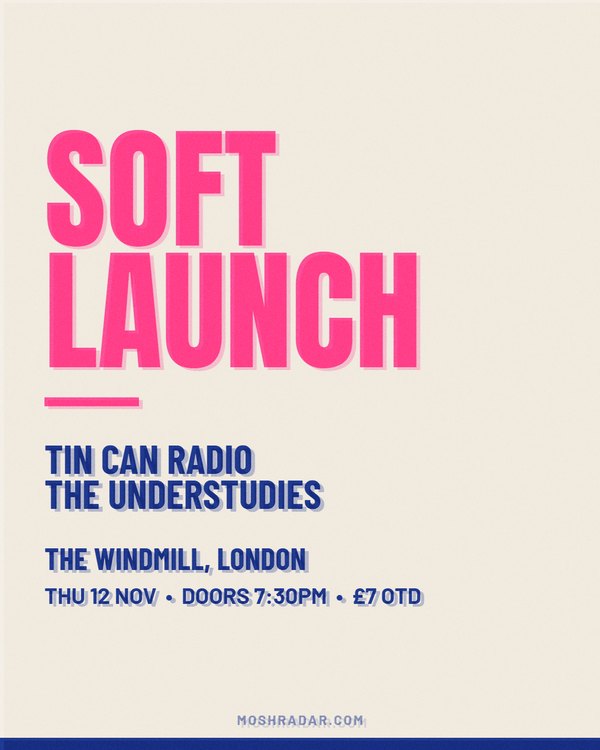
Punk, indie, DIY
Fluoro pink and blue on off-white, knocked slightly out of register like a risograph run. A photo turns into a halftone in the same inks.
Use this template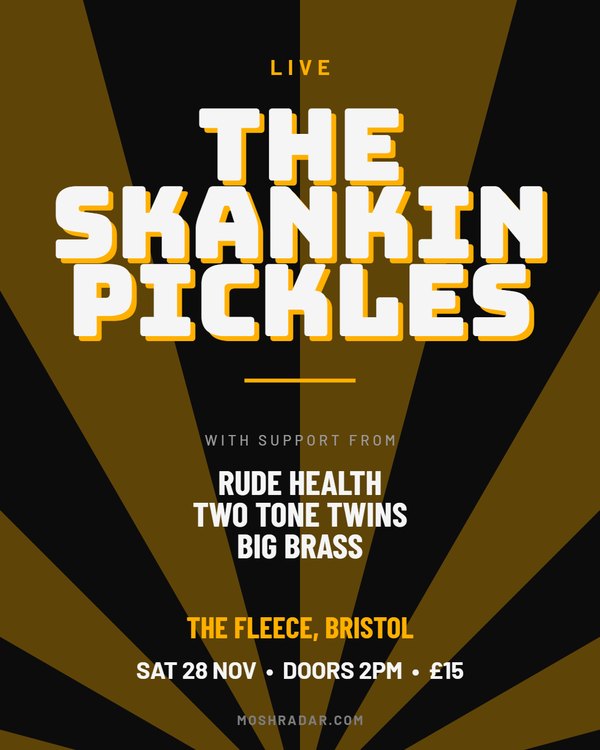
Ska, pop punk, all-dayers
Rays of accent from the foot of the poster and a chunky headline with a hard drop shadow. Pure all-dayer energy.
Use this template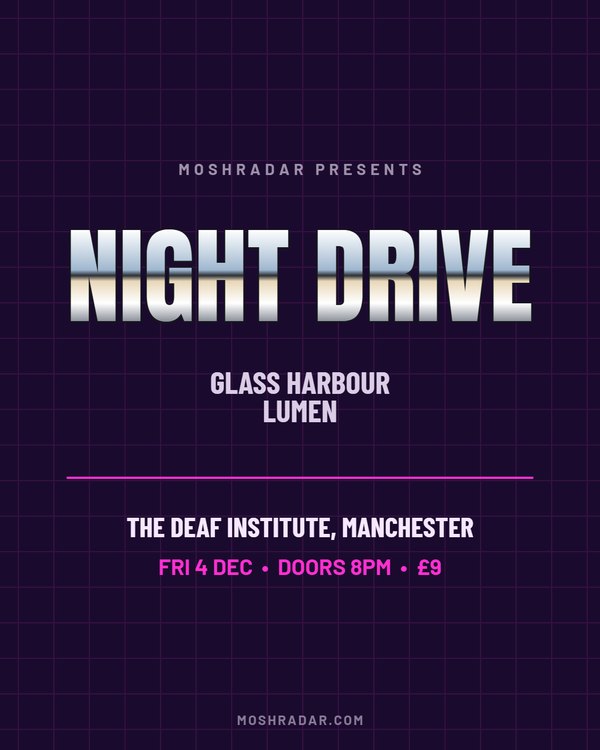
Synth, darkwave, industrial
Eighties chrome lettering over a violet grid. For the synth night that wants to look like a VHS box.
Use this template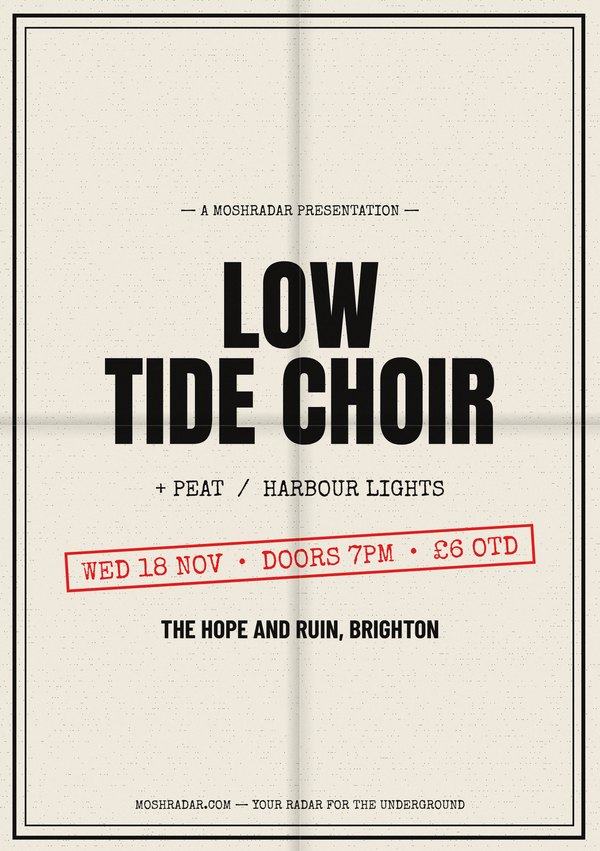
Flyers for the merch table
The zine flyer after a week in someone's back pocket: folded in four, photocopy grain and all. Made for the merch table.
Use this template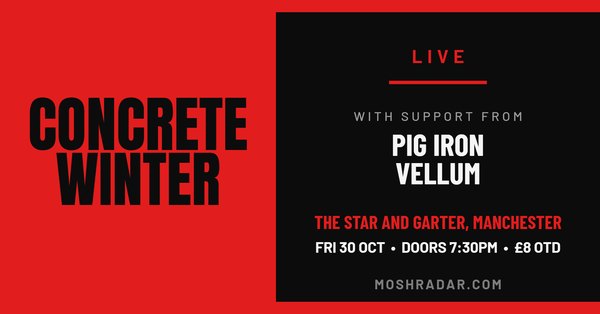
Facebook event covers
Band photo down one side, the whole bill beside it. The layout a Facebook event cover is actually shaped for.
Use this template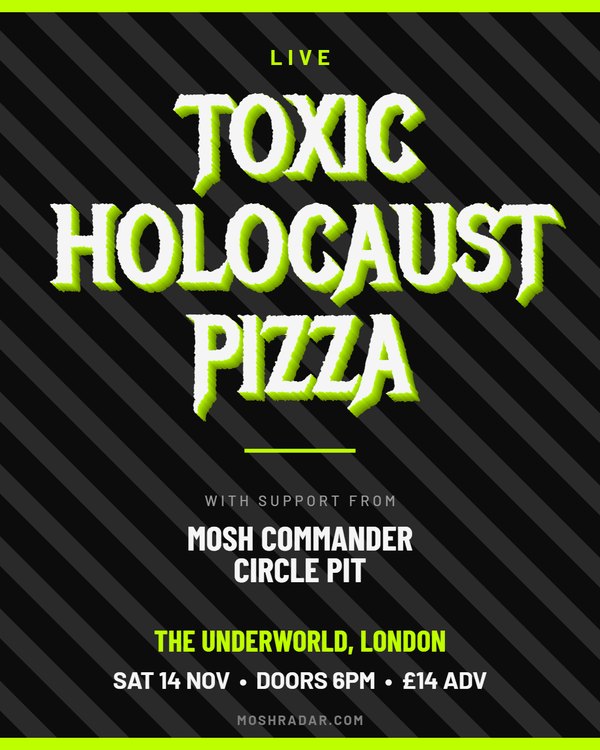
Thrash, crossover, speed metal
Spiked metal lettering pushed out in 3D over hazard stripes. As subtle as a crossover pit.
Use this templateA show poster has one job: someone glances at it while scrolling and three things land — who's playing, where, and when. Everything else is decoration. Every template here is built around that order, so the headline act takes the space it needs and the date never ends up as small grey text nobody reads.
The most common mistake is designing a beautiful portrait poster and then trying to force it into a Facebook event header, which crops the top and bottom off. Decide where the poster is going first — feed post, story, event page, printed flyer — then pick a template already sized for it. You can make the same show in several sizes; it takes a few seconds to switch.
Headline act, support, venue, city, date, doors, price. That is the whole list. Ticket links, age restrictions and promoter logos are what the caption and the event page are for — a poster that tries to carry them stops being readable at thumbnail size, which is the only size most people will ever see it at.
If your gig is in our listings, the poster maker has a search box that fills in the lineup, venue and date for you — start there rather than typing it twice. You can see what other people have made in the poster gallery.
Yes — no account, no trial, no charge for the file. Posters carry a small moshradar.com credit at the bottom; a free account turns it off.
Yes. A template is a starting point, not a fixed design — once it opens in the poster maker you can change the style, the accent colour and the size, and drop in your own band photo. Nothing is locked.
Any of the portrait ones at 1080×1350 for a feed post, a story template at 1080×1920 for full-screen stories, and a square one at 1080×1080 where your grid needs to stay tidy.
The A4 and A5 templates render at 300dpi, which is what a print shop asks for. Pick one of those from the start if the poster is going in a window — an Instagram-sized file scaled up will look soft on paper.
No. Everything runs in your browser: pick a template, type your lineup, download a PNG. Nothing to install, no account to make.
All of them do. The zine templates are designed that way on purpose, to look like a photocopied flyer. Only the photo templates really want one.